A message arrives
The office assigns a job, even to someone with no account. It goes out by email or text, in plain words, with one link.
Still able to do this one? Set up 300 chairs on the field, Saturday from 2pm.
Text · 8:02amOperations software for churches
The work reaches people where they already are: email and text. Every message carries one link to one page that does one thing. Tick the job off, sign the form, claim the Saturday shift. No account, no password, no app.
Built by a church operations director for his own church. Now being opened up to a small group of churches.
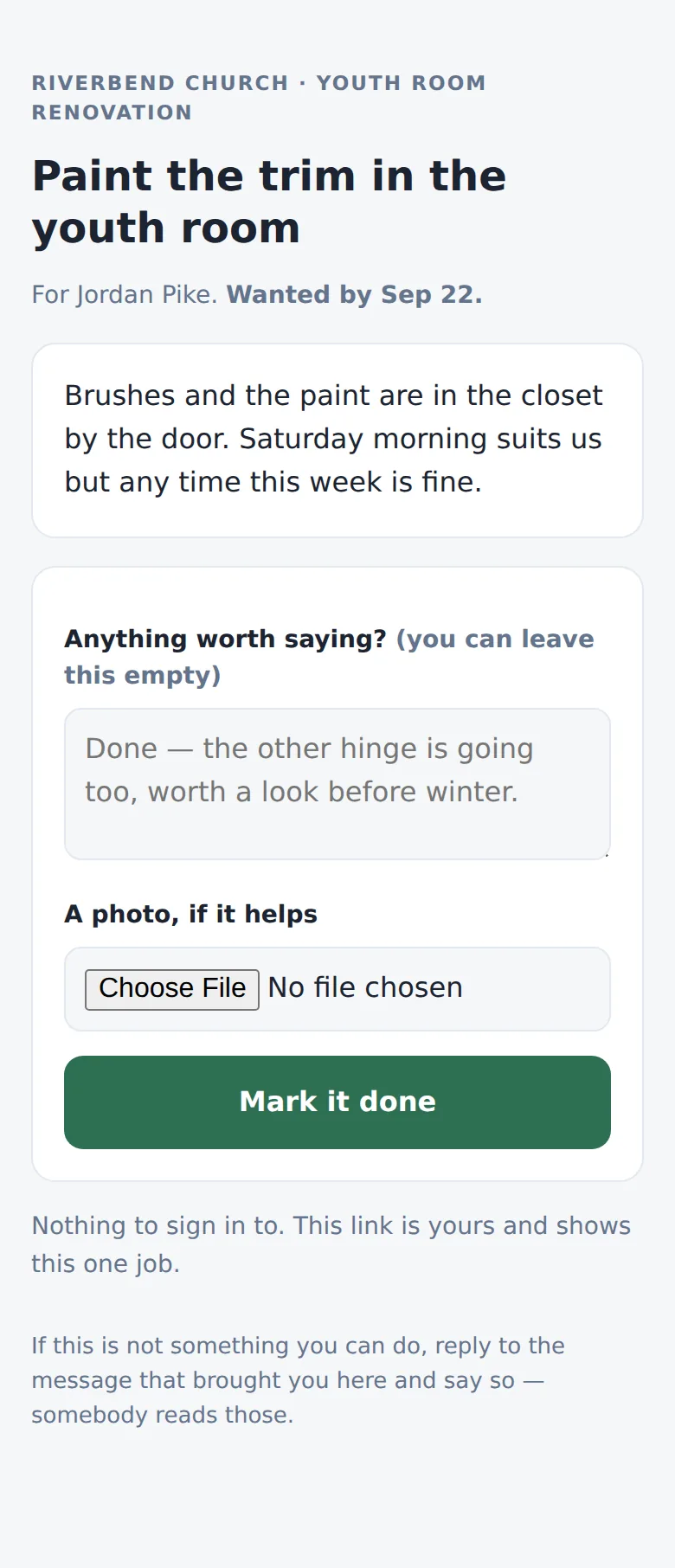
Jordan, could you paint the trim in the youth room by Tue? Brushes and paint are in the closet by the door. Mark it done here
The design brief
Teams, Slack, Asana and a shared drive all failed the same way. People forgot their passwords, and nobody remembered to go and check.
There will be some volunteers that never log into Worksite, and interact with it solely through their email or the messages that come to them.
That sentence came first. Everything in Worksite was built around it.
How it reaches people
The office assigns a job, even to someone with no account. It goes out by email or text, in plain words, with one link.
The link opens a page that shows that one job and nothing else. Add a note or a photo of the mended gate, then press the button.
The task closes on the Operations Board with the note and photo attached. Nobody chased anyone, and nobody asked "did that get done?"
Our Serve Board
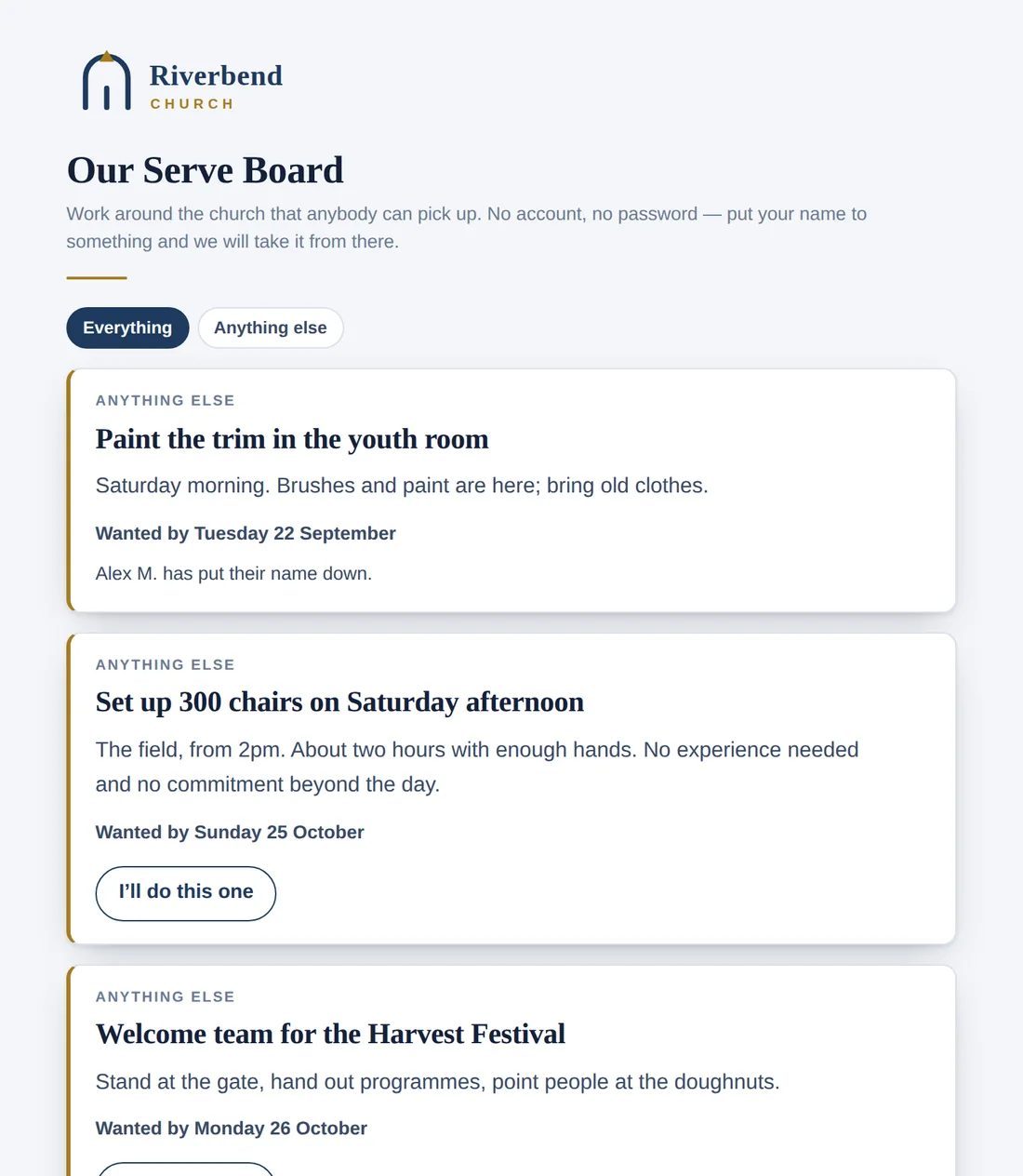
A public page of jobs around the church. People put their name to one, tick it off when it's done and can subscribe to a weekly email of what's still open. No account, ever.
"No account, no password. Put your name to something and we will take it from there."
The office side
Staff sign in and work here. Projects, events, trips, the building and the calendar sit together, so nobody keeps five tabs open to answer "who, when, where."
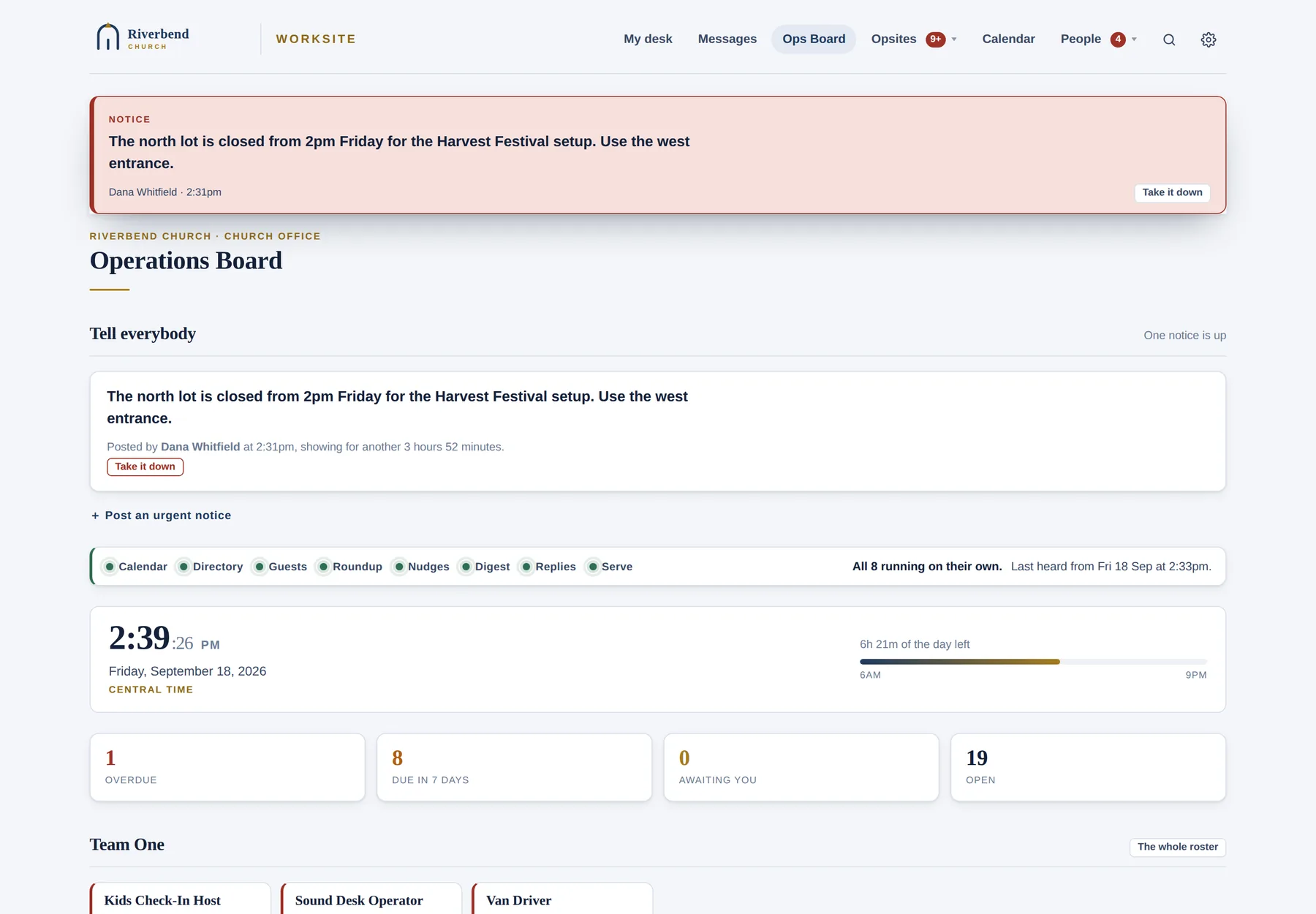
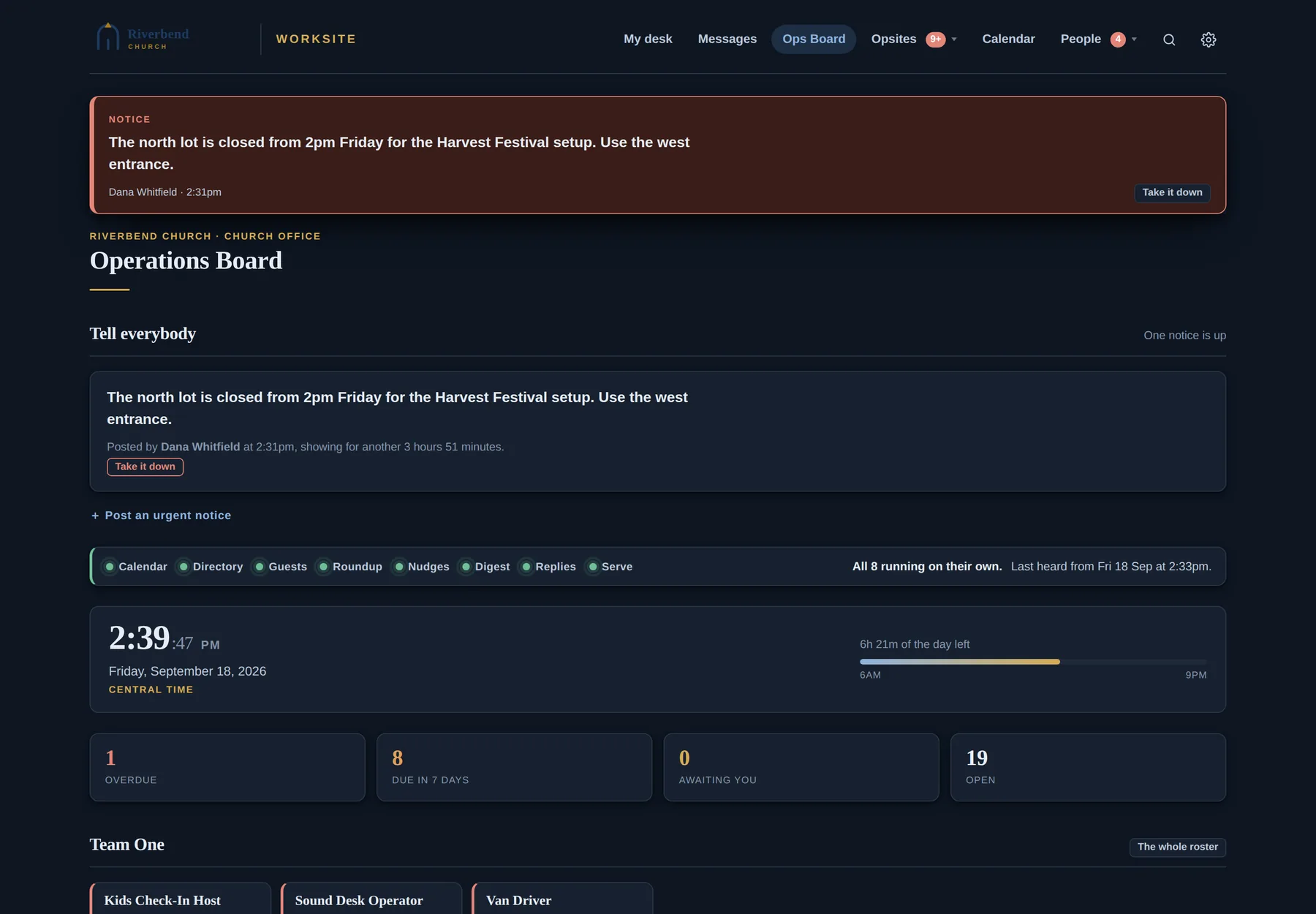
Every project and task, what's overdue and what's waiting on you. There's an urgent-notice bar that reaches the whole staff, and a row of lights that appears only when a scheduled job hasn't run.
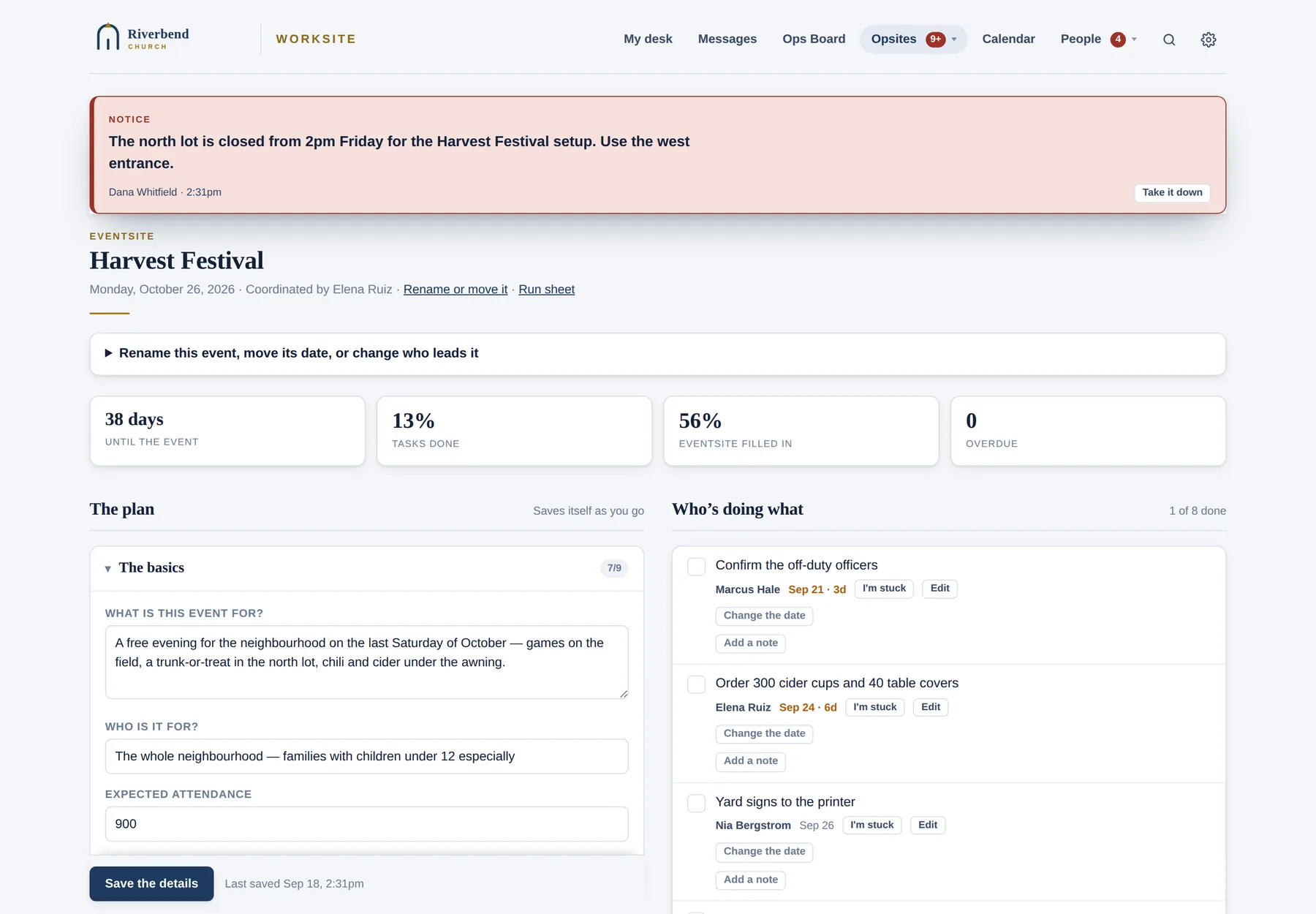
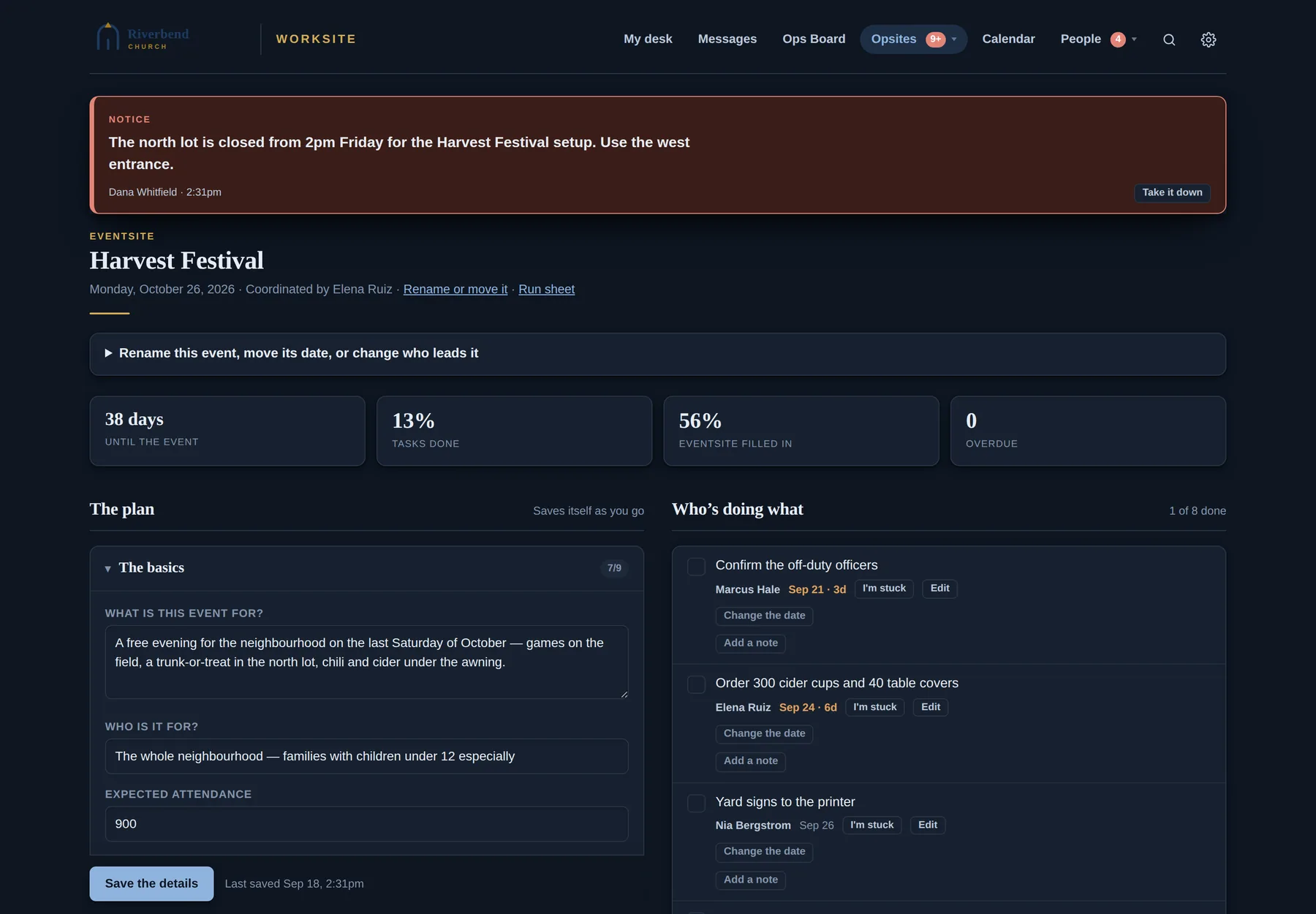
A planning sheet for every event: setup, rooms, tech, food, budget and promotion, plus the task list and a read-only link to share. The debrief turns "what to change next time" into next year's tasks automatically.
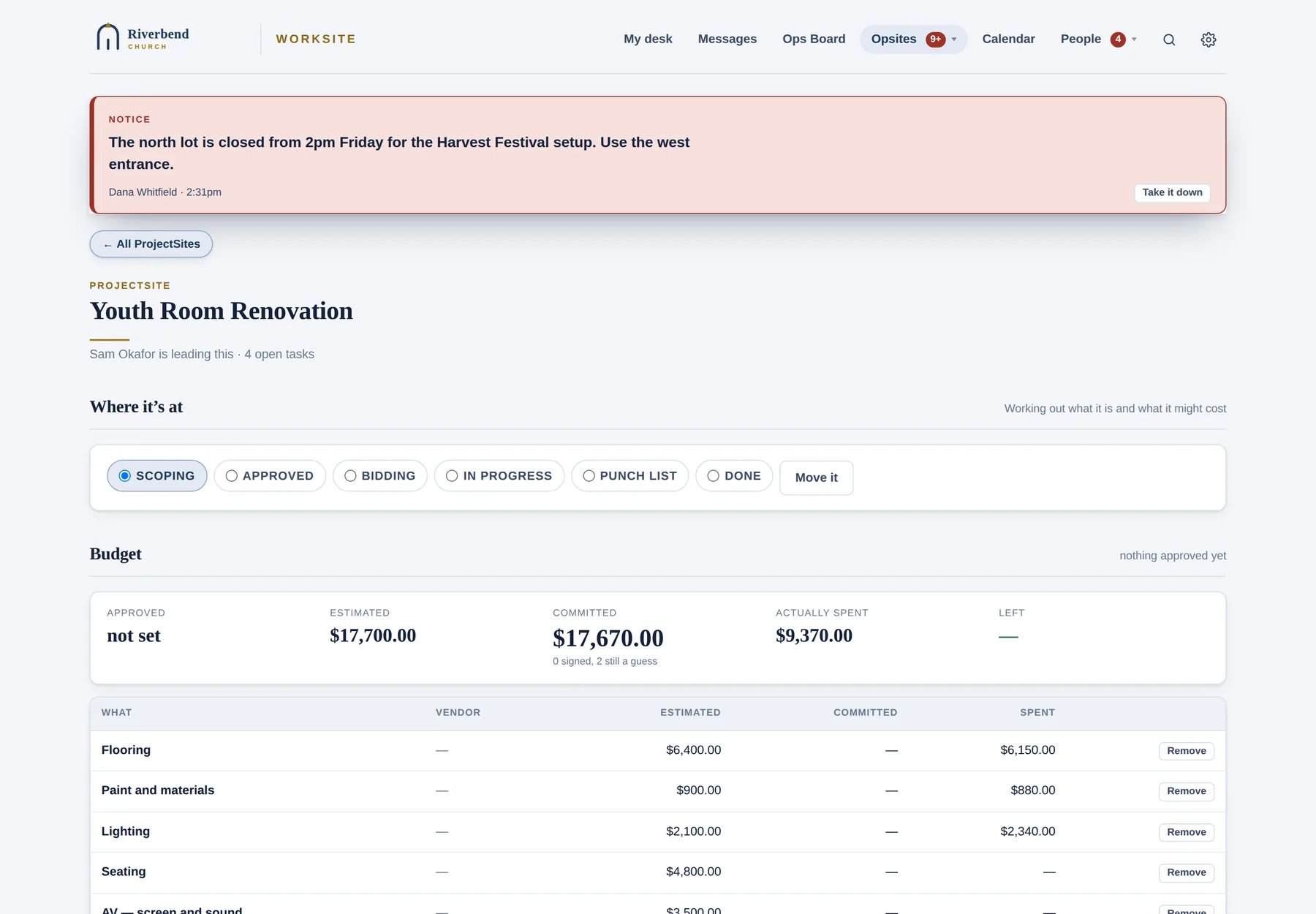
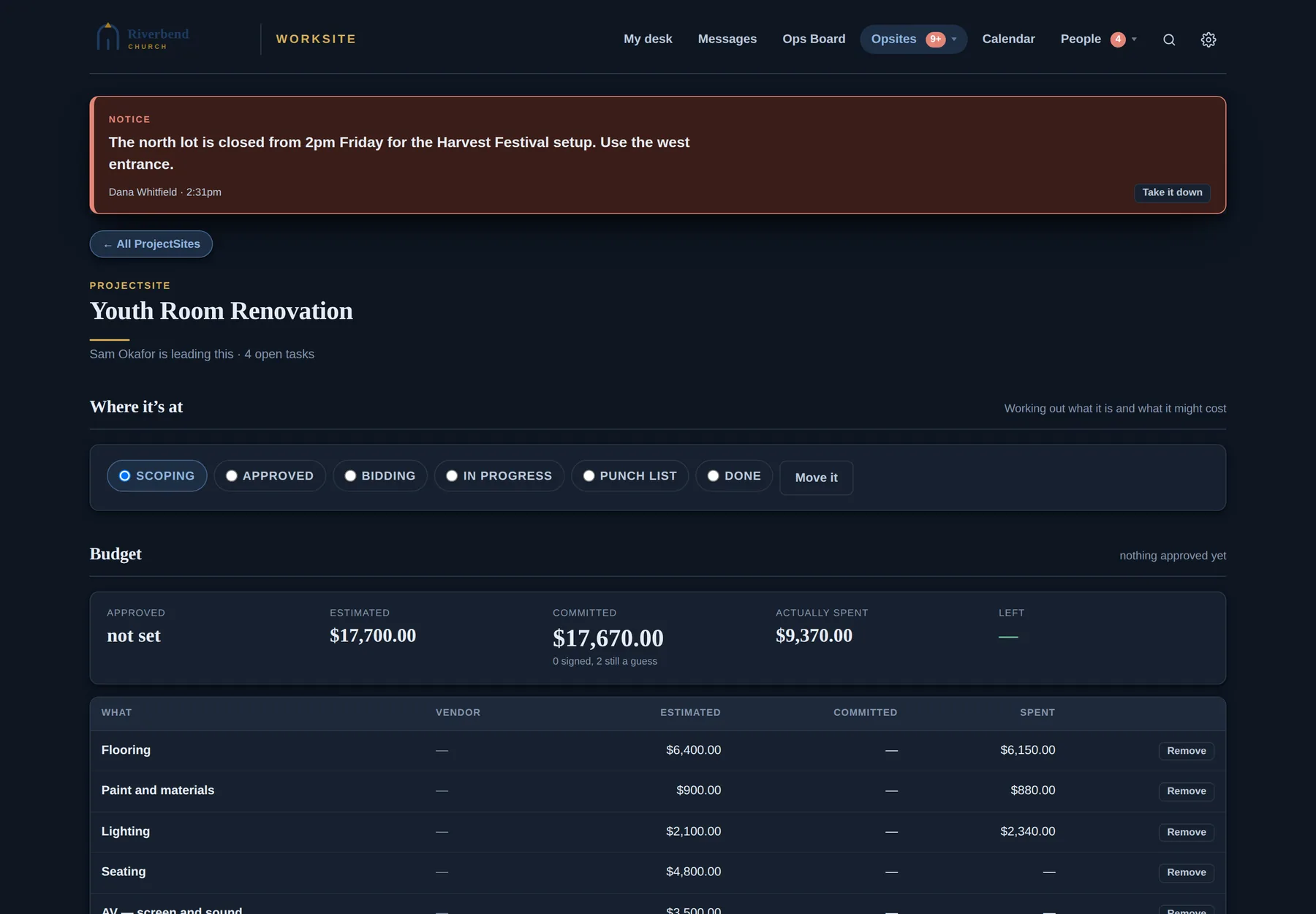
For renovations, installations and anything with vendors and money. Track the stage from scoping to done, and the budget as estimated, committed and actually spent.
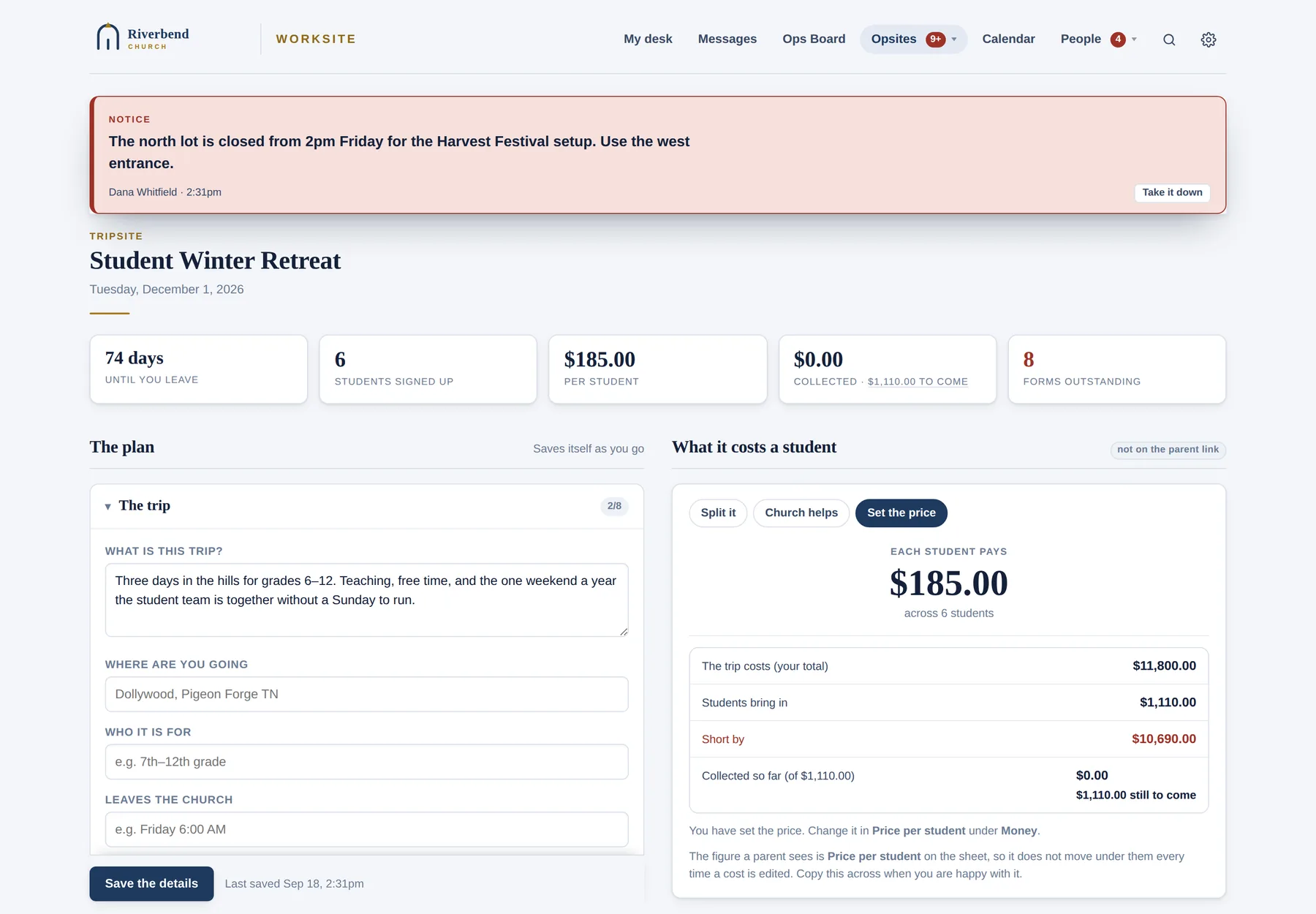
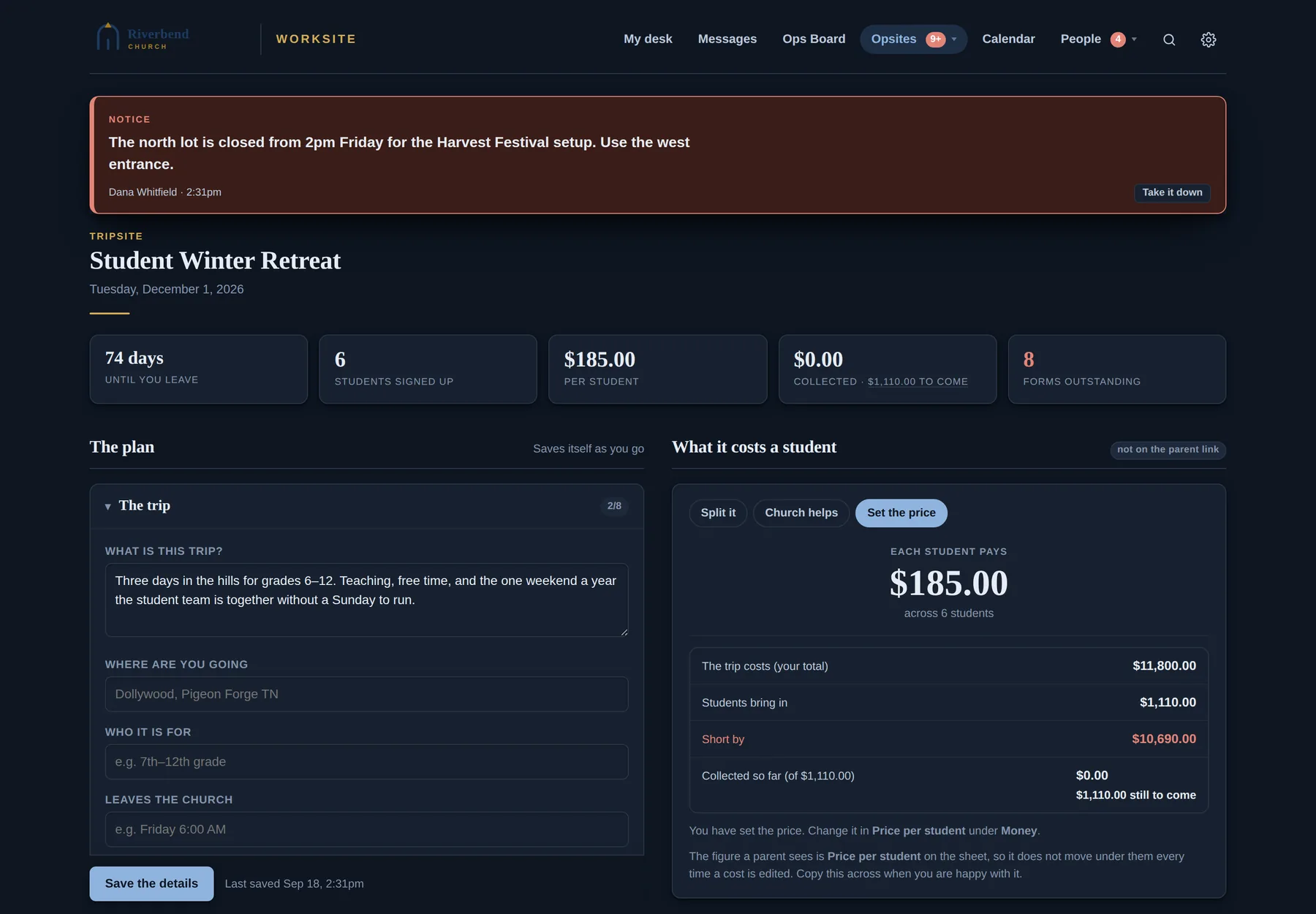
The roster, pricing per family, payments and receipts. Parents fill in consent and medical forms from a link. Those records are encrypted and only the trip's leaders can see them.
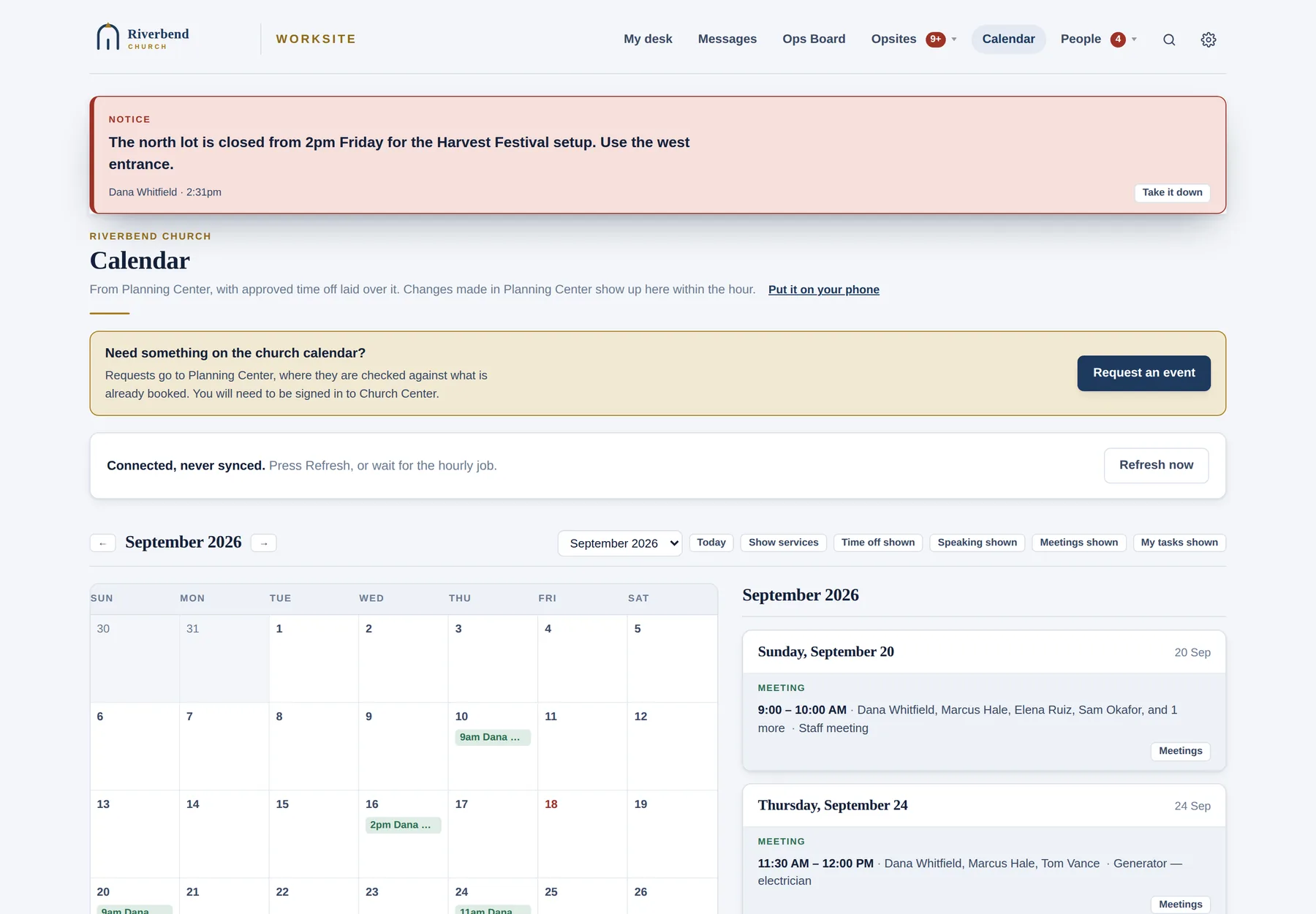
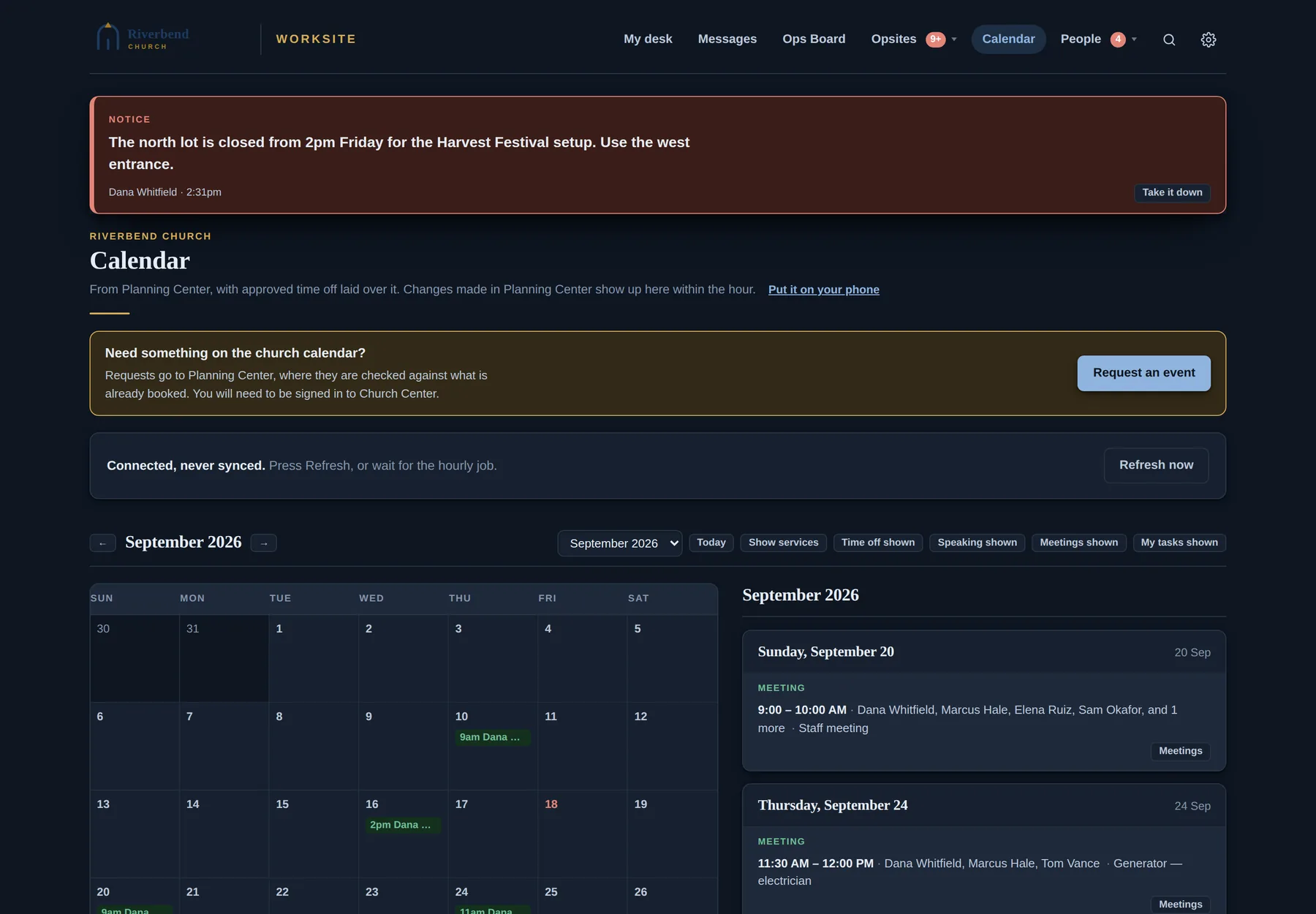
Planning Center events, service plans, time off, the speaking schedule, meetings and your own tasks, all on one grid. You can subscribe to it on your phone.
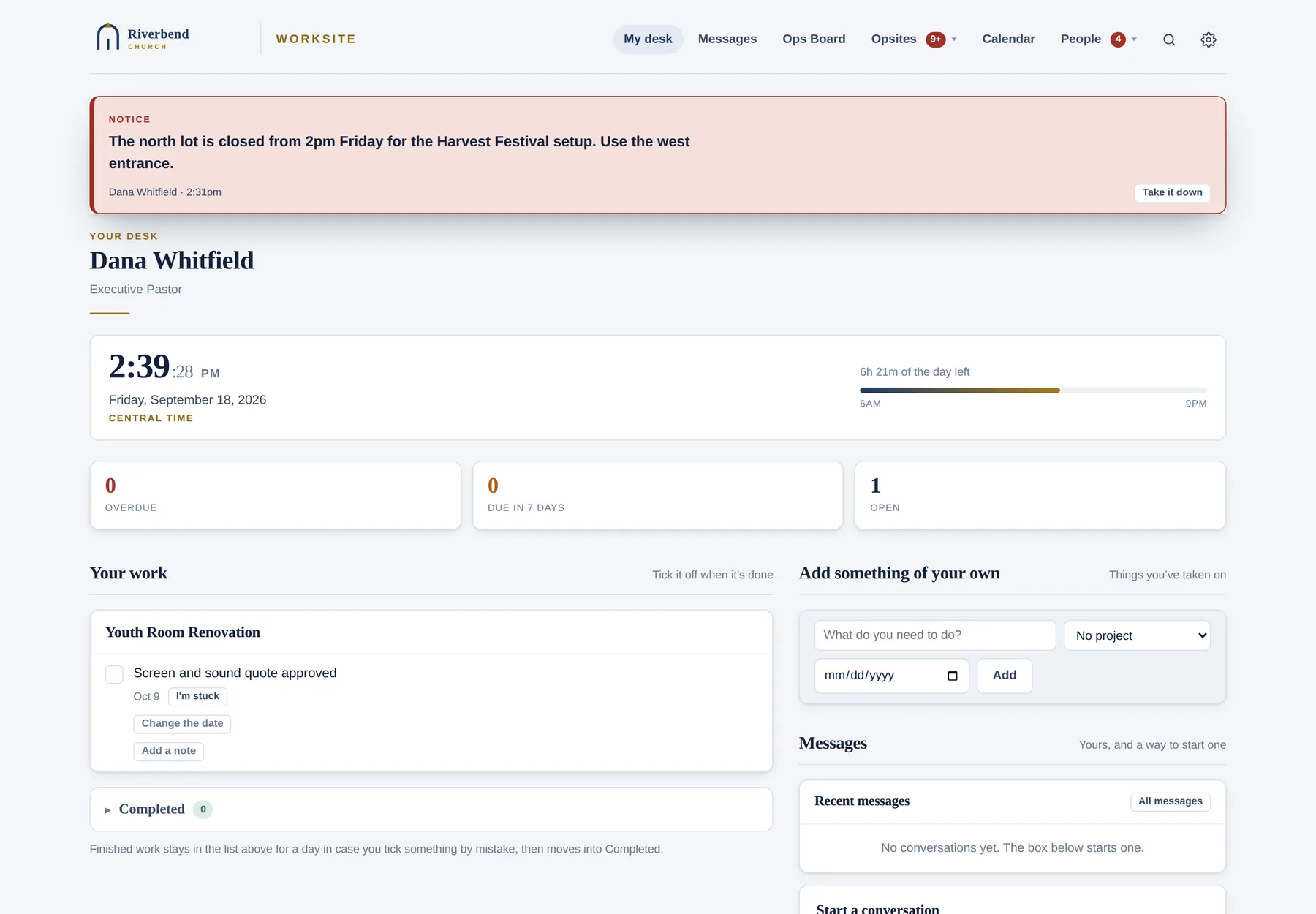
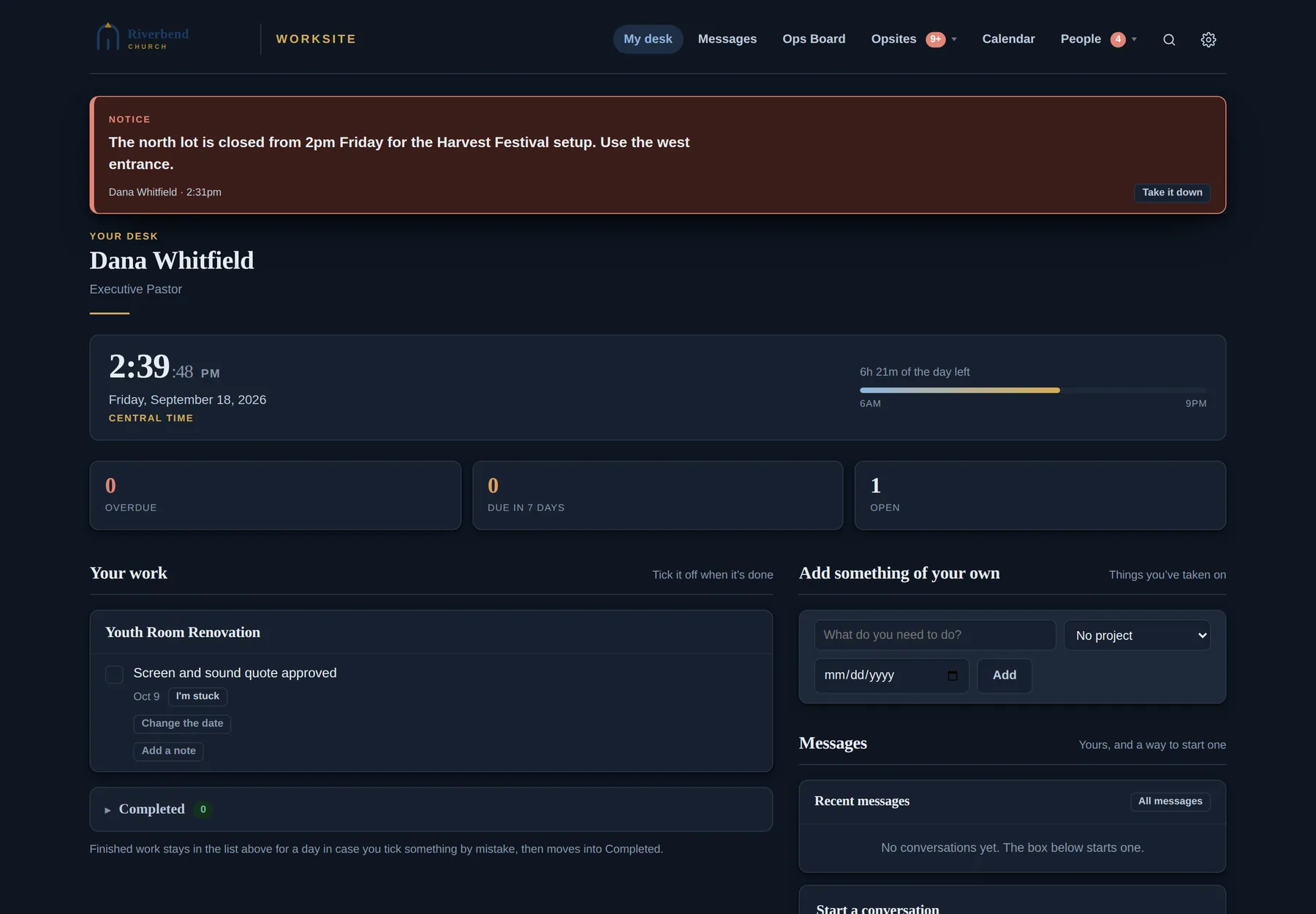
A page for each staff member showing what's on their plate, what landed since yesterday and what's late. Everybody knows what's theirs.
Every Site
The hub. Every project, every task and what's waiting on you.
A page per staff member, showing what's theirs and what's late.
A planning sheet for each event, with a debrief that plans next year.
Roster, payments, receipts and encrypted forms.
No login for parentsStages, budget, vendors and files for building work.
Assign work to anyone, with recurring jobs and notes or photos when it's done.
No login to finishAnyone in the building can report a problem. They hear back when it's fixed.
No login to reportVendors upload a quote from a link that reaches nothing else.
No login for vendorsPublic jobs anyone can claim, tick off and subscribe to.
No account, everA description for every serving role. Open roles are posted and enquiries reach the leader.
No login to enquireRequest, accept, decline or suggest a time, all from an email.
No login for guestsA welcome text within minutes of a connect card, then a follow-up and a report.
Conversations that reach people by email. Their replies land back in the thread.
Reply from emailPlanning Center events, plans, time off and meetings on one grid.
Synced from Planning Center People, with names, phones and households.
Shared files with the same permissions as everything else.
Green marks the eleven pages people can use without an account.
Built by someone who has run a church
A first-time guest gets a text within fifteen minutes and a follow-up a few hours later. Leadership's report lists guests by who hasn't been spoken to by a real person yet, because a text buys an hour. It doesn't do the welcoming.
After an event, six questions. Each line under "what to change next time" becomes a task on next year's plan. What took years to learn stops living in one person's memory.
Texting the whole congregation takes two screens and typing the list's name by hand. You see the recipient count and the credit cost before you commit, and then there's a fifteen-minute pause. Nothing ever sends it automatically.
A church that texts a first-time guest twice in an hour has introduced itself badly. Worksite marks the welcome as sent before it goes, so a slow network never causes a double send.
A conversation is private to the people in it, with no administrator override. Consent and medical records are encrypted and can be deleted after the trip.
Eight scheduled jobs run the reminders, digests and syncs. A warning light appears only when one of them hasn't run, because an "all systems normal" panel stops being read after a week.
Keep what you already pay for
Nobody wants to move their church database. Worksite reads what your other tools already know and puts it where people will see it.
Your subscriptions
Brings them together. The office works here, and the people doing the work get what they need.
Where people already are
Each connection is optional. If one is off, that feature switches off rather than breaking. Worksite deliberately never touches Giving or background checks.
Who it's for
An executive pastor, COO, business administrator or operations director. You run the building, the calendar, the events and the staff with a spreadsheet, a group text and your own memory. It fits churches of roughly 150 to 2,000 on a Sunday, with a handful of staff and a lot of volunteers.
What it isn't
Worksite doesn't do check-in, giving or worship planning. It covers the work around the database, the part no one else sells you. Its real competitor is the spreadsheet, the group text and the room everybody assumed somebody else had booked.
Early access
Worksite runs one church's week today. Now it's opening to a small group of churches who know they're early and want to help shape what comes next.
Setup still takes someone comfortable with web hosting for an afternoon. Making that simple is part of the work ahead. If that sounds like your church, tell us about it.
Sent
Your note has reached the person who built Worksite. You'll hear back by email, usually within a few days.
Preview
Nothing was sent from this preview. On the live site, the details go straight to your inbox.